
For homeowners and electricians
Always know which circuit does what
Describe your fusebox once, circuit by circuit. Print the overview, stick the QR code on the door, and anyone with a phone can see which breaker switches the kitchen.
- A clear overview on paper
- Online behind a QR code
- Up to date after every change
Free for homeowners, up to three fuseboxes. No app to install.
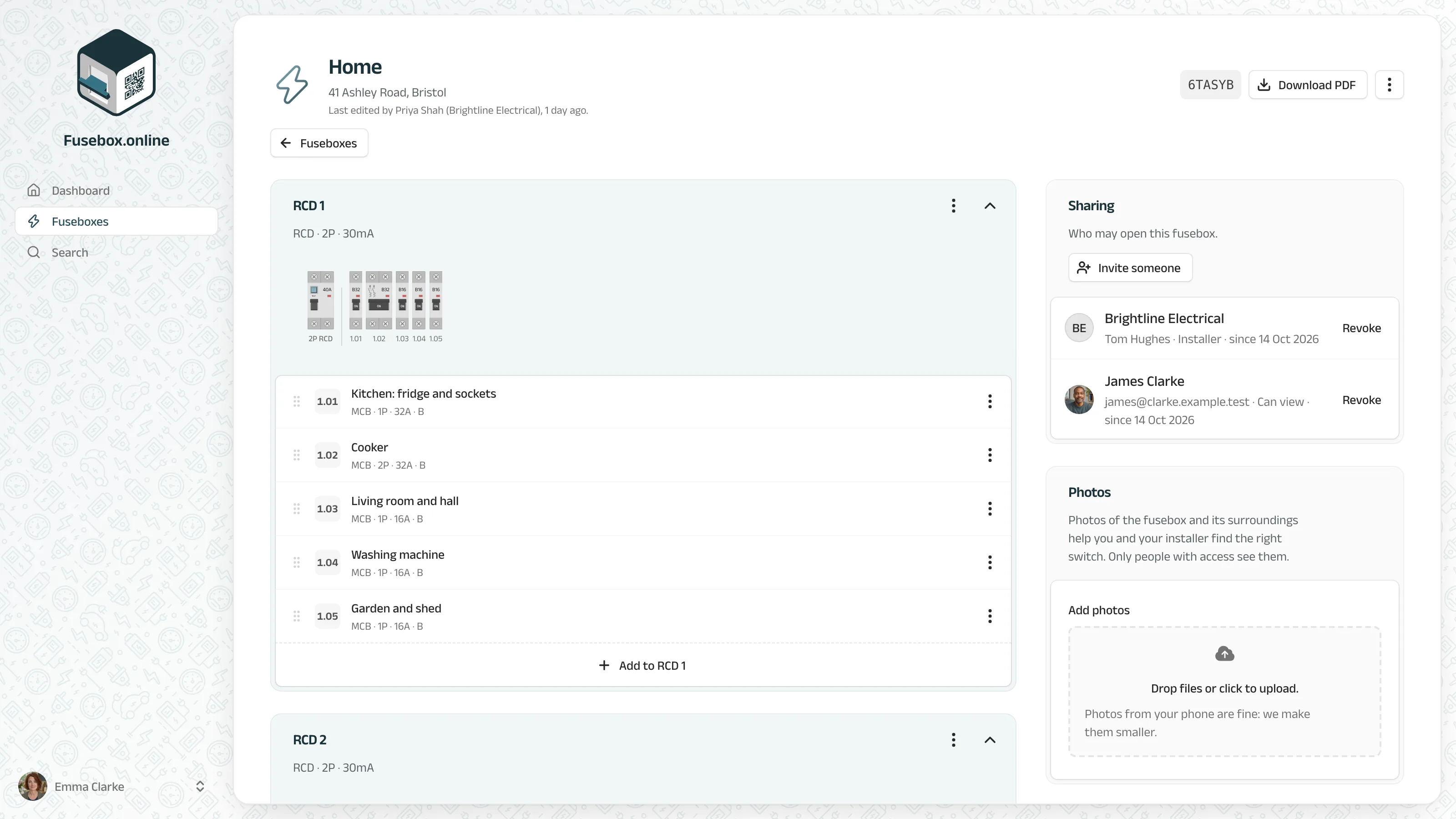
The same power cut, with and without an overview
The lights go out on a Sunday evening. What happens next?
Without Fusebox.online
- A list in pen from the previous owner, half of it crossed out.
- Switching breakers off one by one until the right room goes dark.
- The electrician measures everything again before starting.
- After a renovation, nobody updates the list.
With Fusebox.online
- Every circuit named: which rooms, which appliances.
- Scan the code on the door and see it on your phone.
- Your electrician knows the fusebox before arriving.
- Changed something? Edit it and print a fresh copy.
How it works
From a mystery to an overview in four steps
Most fuseboxes take about fifteen minutes. On your phone, standing in front of it.
-
01
Add your fusebox
Pick the type of panel and the address. Fusebox.online draws it for you.
-
02
Describe the circuits
Per breaker: what it switches, which residual current device it sits behind, and a photo if you like.
-
03
Print and stick
Print the overview for inside the door and the QR sticker for the outside.
-
04
Share it
Invite your household, or your electrician. Everyone works from the same overview.
The QR code on the door
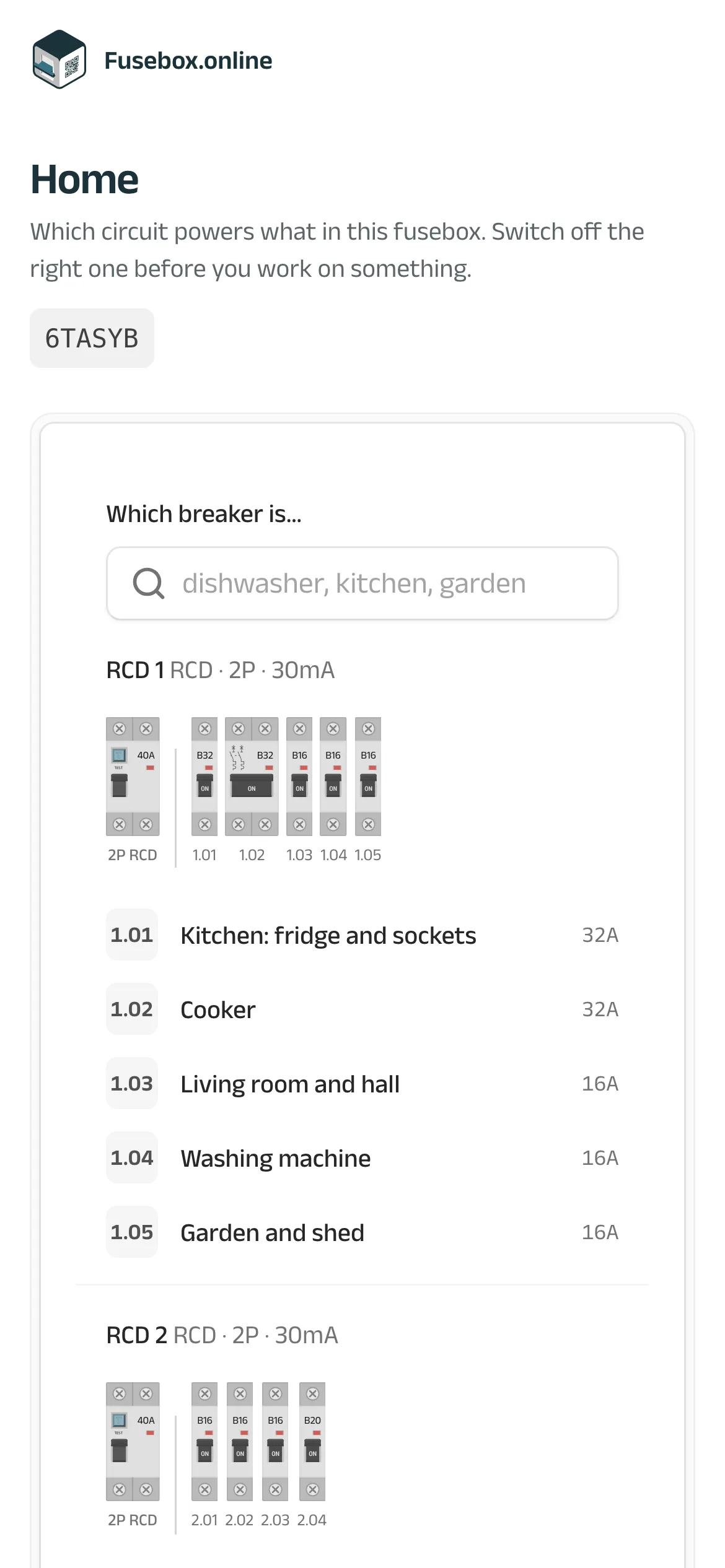
Scan, and you see which breaker to switch
Every fusebox gets its own QR code. Anyone who scans it, a housemate, a tenant, a babysitter, sees the overview straight away: no app, no account. Contact details stay private, only the people you invite see them.
-
Works on any phone
The camera opens the page; nothing to install.
-
Always the latest version
The code stays the same, the overview behind it changes with you.
-
Your electrician nearby
Electricians in your area can be listed under it, for when you need help.
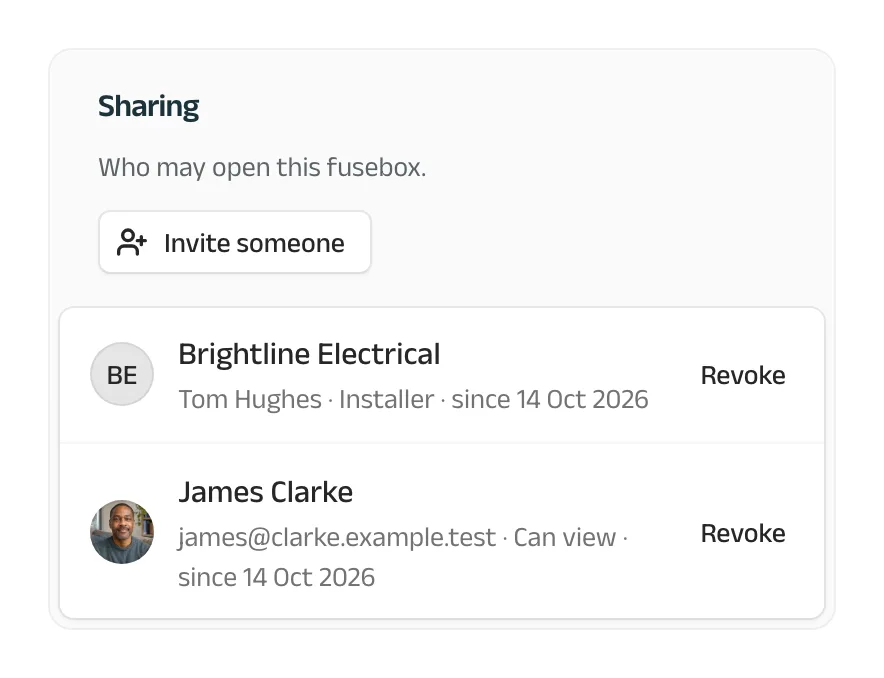
Sharing
One overview for everyone who needs it
Invite people by email and choose what they may do. The electrician who installed the fusebox keeps it up to date; your housemates can look along.
-
Installer
The company that maintains the fusebox, and its colleagues.
-
Can edit
Describes circuits and adds photos, just like you.
-
Can view
Sees the overview and its details, changes nothing.
Everything a fusebox overview should be
Print it
A tidy PDF for inside the door, and QR stickers on a sheet.
Photos per fusebox
Take a photo of the panel or the meter; it is there next time.
On every screen
Phone, tablet or computer: it works the same everywhere.
Who changed what
Every fusebox shows who edited it last, and when.
In your language
English, Dutch, German, French and Spanish.
Safe and private
Hosted in Europe, two-factor sign-in and passkeys.
Made for both sides of the fusebox door
For homeowners
Know your own fusebox, and hand the overview to whoever comes to fix something.
- Free, up to three fuseboxes
- Print the overview and the QR sticker
- Share it with your household
For electricians
Document every fusebox you install, with your company on it, and stay the one your client calls.
- Your logo on every overview
- Your whole team in one account
- Listed on QR pages near you
Questions people ask first
And the answers, short.
What is Fusebox.online?
An online overview of your fusebox: which circuit powers which rooms and appliances, behind which residual current device. You print it for inside the door, and a QR code leads anyone with a phone to the same overview online.
What does someone see who scans the QR code?
The overview of the circuits: what each breaker switches. No account is needed. Contact details are only shown to the people you shared the fusebox with.
Do I need to install an app?
No. Fusebox.online works in the browser of any phone, tablet or computer. Scanning the QR code opens the page with the phone's camera.
Is Fusebox.online free?
For homeowners, yes: up to three fuseboxes, free for as long as you like. Companies start with 14 days of Pro for free and then choose a plan.
I have a sticker from the old Fusebox.online. Does it still work?
Yes. Every code that was ever printed still leads to its fusebox.
Know your fusebox tonight
Free for homeowners. Fifteen minutes, one sheet of paper, and nobody has to guess again.